


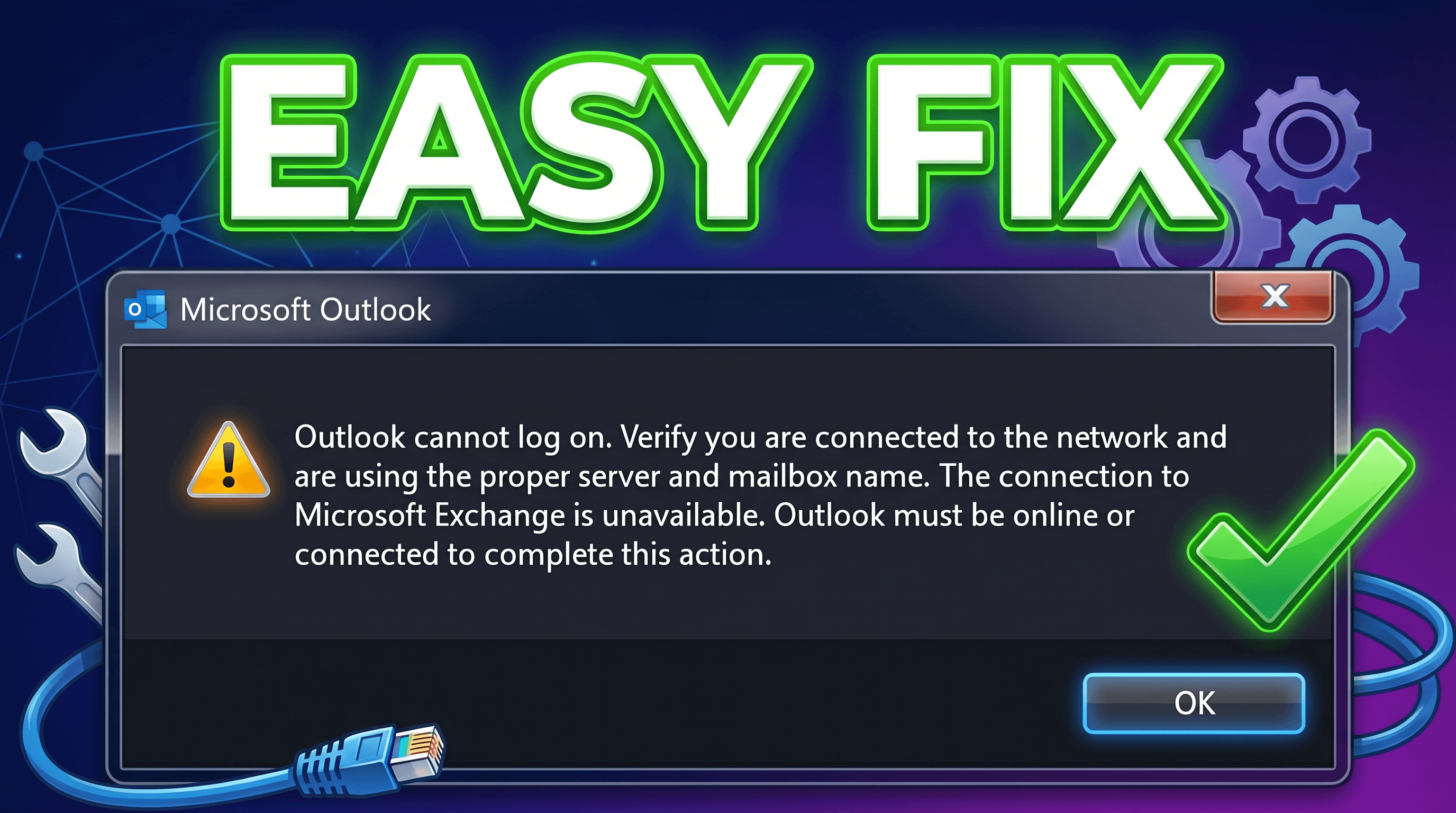
Outlook users, at times, encounter issues and errors with the email application. One common error is the “Outlook cannot log on” error. This error occurs when trying to open the email application. The complete error message looks like this:

“Outlook cannot log on. Verify you are connected to the network and are using the proper server and mailbox name.”
This error prevents the users from logging into Outlook and accessing their emails. This error can occur due to many reasons, such as:
- Poor or unstable internet connection
- Incorrect server or mailbox settings
- Corrupt Outlook profile
- Inaccessible OST file
- Navigation Pane corruption
- Sync issues with Exchange or Microsoft 365
In cases where the issue is caused by an OST file, recovering mailbox data using an online OST to PST converter may help.
Methods to Fix “Outlook cannot log on” Error
You can try the solutions below to fix this Outlook error.
Table of Contents
1. Check the Internet Connection
As you’re not able to log on to Outlook, then the first thing to do is check your internet connection. You can open a web browser and try to access any random website to check if the internet connection is working fine. You can also restart your router and device. If the internet connection is working properly, then follow the next methods.
2. Use the resetnavpane Command
Running the resetnavpane command can clear and remove customizations to the Navigation Pane. If an issue with the Navigation Pane setting is the cause of the error, then it can fix the problem. To use this command, follow these steps:
- Close Microsoft Outlook.
- Press Windows + R to open the Run dialog box.
- In the Run dialog box, type Outlook.exe /resetnavpane,

- and press OK.
- Start Outlook.
3. Use Microsoft SaRA Tool
Microsoft Support and Recovery Assistant (SaRA) is a tool that enables you to troubleshoot and fix common issues with MS Office applications. You can download this tool to check and fix issues with your Outlook application. It runs tests to figure out the cause of the problem and accordingly offers the best solution. If MSARA is unable to fix the problem, it will suggest the next steps, including contacting a Microsoft agent.
4. Delete your Outlook Profile and Create a New One
Sometimes, Outlook’s profile gets corrupted, leading to errors such as Outlook cannot log on. In such a scenario, you can remove your Outlook profile and create a new Outlook profile. You can use the Windows registry to delete the profile. Here are the steps:
- Open the Run dialog box (press Windows + R keys), type “regedit” and press Enter.
- Navigate to HKEY_CURRENT_USER> Software> Microsoft> Office> 15.0> Outlook> Profiles. You can change the version (15.0) with your Outlook version.
- Right-click on the folder with your profile name and select Delete. Click ‘Yes’ when prompted for confirmation.
- Restart your device.
Now, you can create a new Outlook profile by following these steps:
- Open Control Panel, search for Mail, and select it.
- In the Mail Setup dialog box, click Show Profiles and then click Add.
- Provide a name to the new profile and click OK.
- Follow the instructions to add an email account to use the new profile.
What If the OST File is Orphaned or Inaccessible?
If the Exchange account is deleted, server is unavailable, or OST file becomes orphaned, Outlook cannot recreate mailbox data.
In such situations, converting OST to PST is the best solution. One such tool you can rely upon is the online OST to PST converter tool by Stellar. This is a web-based tool that is designed to convert an orphaned and inaccessible OST file to PST.
Conclusion
The “Outlook cannot log on” error usually occurs due to connectivity problems, corrupt Outlook profiles, or damaged OST files. In most cases, checking the internet connection, resetting Navigation Pane, or creating a new profile resolves the issue.
However, if Outlook data is stored in an inaccessible or orphaned OST file, for quick access you may try an online OST to PST converter, which allows you to upload the OST file and convert it without installing any software.
However, if you are dealing with large OST files, a professional solution like Stellar Converter for OST Desktop Edition is a more reliable option. It ensures complete data extraction while maintaining folder structure and integrity.
