
1Password Says an Attacker Used a Hacked Employee GitHub Account to Copy Customer Names and Emails, With Vaults Untouched
Source: 1password.com
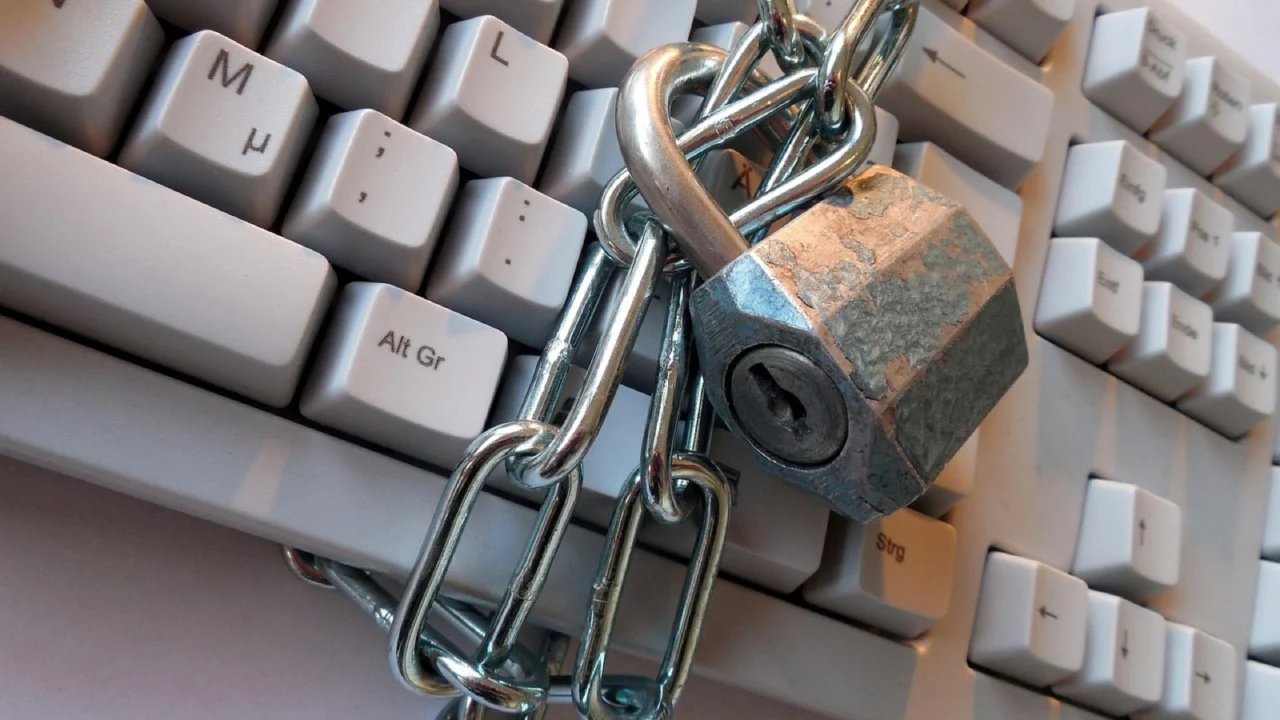
Image: succo on Pixabay
Tech news by email, once a week
Unsubscribe any time. Privacy policy
1Password said on November 25 that an attacker who took over an employee's corporate GitHub account copied customer names and email addresses from its backend systems, and that no vault contents were accessed. In its incident update, the company said it began investigating on November 19 after seeing signs that the account had been compromised.
1Password said the attacker used that access to reach backend services and pull administrative records about a subset of customers. The company has not said how many people are in that subset.
What the attacker took, according to 1Password
The affected records include customer names and sign-in email addresses, account and user identifiers, and some non-secret account metadata. 1Password said the attacker also copied source code from private repositories and reached its CI/CD system, which holds infrastructure secrets. The company said it has triggered rotation of credentials that may have been exposed.
On vaults, the company was direct. It said that at no time were customer vault contents accessed by, or available to, the attacker. It also said its source code does not contain customer data or user secrets.
A second category is more sensitive. Some emailed invitation, provisioning and recovery tokens were exposed. A small number of users had active tokens of this kind when the incident happened, and 1Password said it notified those people separately. The company said these tokens cannot grant access on their own. As a precaution it lengthened the verification code that goes with such emails from six digits to ten characters, which makes guessing a code impractical.
Response and what users are told to do
1Password said it disabled the compromised GitHub account, revoked the stolen token and brought in independent cybersecurity experts. It said it has found no evidence of account takeovers or compromises using the exposed tokens. Its message to customers is that they do not need to change anything in their accounts, including the master password or the Secret Key.
The company did not announce any price change, compensation or new product in the post, and it did not name the attacker.
The practical risk is convincing phishing
A list of real customer names tied to real sign-in addresses is useful for impersonation. A message that greets you by name and says your 1Password account needs a recovery check, or that someone invited you to a shared vault, would look more credible than a generic scam. The messages would aim at your master password, Secret Key or a verification code, and those are the items that would matter to a thief.
Leaked invitation and recovery tokens add a second angle. An attacker holding one could try to trigger a real invitation or recovery flow and then ask the victim for the code. That is a plausible attack path rather than a documented one, and 1Password says it has seen no successful use of the tokens. Longer codes reduce the chance of automated guessing, but they do nothing against a person who is talked into reading a code aloud.
How this compares with earlier 1Password incidents
This is a different kind of event from the company's last major disclosure. In October 2023 it said suspicious activity on its Okta employee-app instance was linked to a breach of Okta's support system. A file with session cookies had been uploaded to that portal. 1Password said at the time that no user data was accessed.
The November 2026 incident differs because the company itself says customer records were copied. Neither incident, on the company's account, reached encrypted vaults.
It also differs from the 2022 LastPass breach, in which attackers copied customers' encrypted vault backups along with account data. In that case the open question was how long a master password would hold up against offline cracking. 1Password has not described any comparable theft, and its design also mixes a locally held Secret Key into vault encryption. That means a stolen name and email gives an attacker no direct route to the data.
Where the password manager rivals stand
The breach has no direct effect on Bitwarden, Dashlane or Proton Pass, none of which has announced a related incident. For anyone weighing a switch, current pricing matters. 1Password raised US annual renewals for its individual plan to $47.88 and for its family plan to $71.88, effective March 27, 2026. Introductory pricing on its site is lower for new customers in their first year. I could not confirm current sterling prices for UK customers, so check the UK pricing page before comparing.
Bitwarden's premium tier is the cheapest of the main rivals. Comparison sites list it at about $19.80 a year after a January 2026 increase, though some pages still show the older $10. Dashlane no longer has a free tier, and Proton Pass sells a paid Plus plan. The figures for both vary by source and billing term, so treat them as unconfirmed until you see them on the vendor's site.
Moving vaults is a bigger job than a price comparison suggests. All of these tools import from the common export formats, but exporting an unencrypted file creates its own exposure. Delete that file immediately and do not leave it in a synced folder.
Questions 1Password has not answered
- How many customers had their names and emails copied, and in which regions.
- How the employee's GitHub account was compromised.
- Who carried out the attack, and whether the stolen source code has been published or sold.
- Which CI/CD secrets were reachable, and whether any signing keys were among them.
- Whether an outside review will be published once the investigation ends.
The disclosure is a company account of a case that is still under investigation, and no outside party has confirmed it. The most consequential unknown is the stolen source code. Source access can help an attacker find flaws, so the next few weeks of 1Password security updates are worth reading closely.
What customers can do now
Because 1Password says no action is required, anything below is optional hardening rather than a response to confirmed compromise.
- Do not click links in emails about invitations, recovery or account problems. Open the app or type the address yourself.
- Never type your master password or Secret Key into a page you reached from an email, and never read out a verification code to anyone who contacted you first.
- If you receive an invitation or recovery email you did not request, treat it as a sign someone is probing your account. Report it to 1Password and do not use the code.
- Protect the email address tied to your 1Password account with a strong, unique password and two-factor authentication. That inbox is where recovery messages arrive.
- Check your sign-in history and authorized devices in the account settings, and remove anything you do not recognize.
- If you want extra margin, changing your master password is cheap and harmless, even though the company says it is not needed.
Business customers on 1Password Teams or Business plans should ask their account contacts which of their own records were in the affected subset, since the company has so far spoken only in general terms.
Featured image: succo on Pixabay
Get the week's tech news by email
One email a week with Trendblog's stories on AI, hardware, apps and crypto.
We'll email you to confirm your address. Unsubscribe any time. Privacy policy