


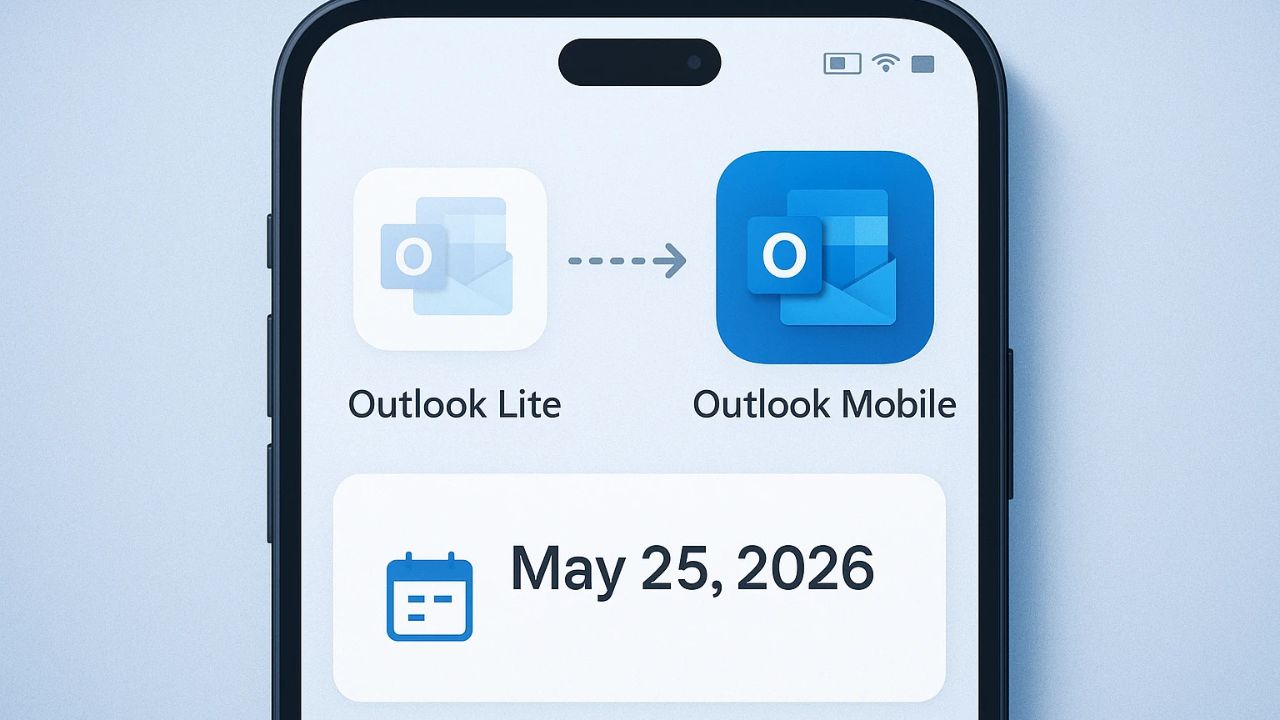
Microsoft has officially confirmed that Outlook Lite will be retired on May 25, 2026, marking the end of its lightweight email solution for Android users. This change affects millions of users who relied on the app for its simplicity, low data usage, and compatibility with budget smartphones.
If you are still using Outlook Lite, this update is important. After the deadline, the app will essentially stop working, and users will need to switch to another solution to access their emails.
Table of Contents
What Exactly Is Happening on May 25
Microsoft has set a final shutdown date for Outlook Lite, and after May 25, 2026, the app will no longer provide access to core features like email, calendar, or attachments.
You may still be able to open the app, but it will not function in any meaningful way. In simple terms, it becomes unusable for email communication.
This is not a sudden move. Microsoft had already started phasing out the app earlier by blocking new downloads in October 2025.
Now, the final step is complete retirement.
Why Microsoft Is Shutting Down Outlook Lite
Outlook Lite was originally designed for users with low-end Android devices and slower internet connections. It was lightweight, using very little storage and data compared to the full version.
However, Microsoft is now shifting its strategy.
The company wants to focus entirely on a single, more powerful app: Microsoft Outlook.
There are a few key reasons behind this decision:
- Reducing product overlap: Maintaining two separate apps creates extra development and support work
- Improved main app performance: The full Outlook app is now optimized enough to run on more devices
- Unified user experience: Microsoft wants one consistent platform across Android and iOS
This reflects a broader trend in tech where companies simplify their product ecosystem instead of maintaining multiple versions.
What Happens to Your Data
One of the biggest concerns for users is whether their data will be lost.
The good news is that your emails, calendar events, and attachments are safe.
Nothing is deleted when Outlook Lite shuts down. All your data remains stored in your Microsoft account and can be accessed easily through the main Outlook app.
This means the transition is more about changing the app, not losing your information.
What You Should Do Now
If you are still using Outlook Lite, you should switch as soon as possible. Waiting until the last moment could disrupt your access to emails.
Here’s what you need to do:
- Download the Main Outlook App: Install the full Microsoft Outlook app from the Play Store.
- Log In With Your Existing Account: Use the same email credentials. Your inbox and data will automatically sync.
- Check Your Settings: Make sure notifications, sync settings, and preferences are configured properly.
- Uninstall Outlook Lite (Optional): Once you confirm everything is working, you can remove the Lite app.
Microsoft has also added an “Upgrade” option inside Outlook Lite to make this process easier for users.
Why This Change Matters
The retirement of Outlook Lite is not just about one app. It reflects a bigger shift in how companies approach mobile software.
Earlier, “Lite” apps were popular because many users had limited storage, slower processors, and weaker internet connections. But today:
- Smartphones are becoming more powerful
- Mobile networks are faster and more reliable
- Users expect more features from apps
As a result, companies like Microsoft are focusing on feature-rich apps instead of maintaining stripped-down versions.
Potential Challenges for Users
While the transition sounds simple, it may not be perfect for everyone.
Some users preferred Outlook Lite because:
- It used less storage
- It consumed less data
- It worked smoothly on older devices
The full Outlook app, while more powerful, may feel heavier on low-end smartphones.
This could push some users to explore alternative email apps if performance becomes an issue.
Are There Any Alternatives
If you do not want to switch to Microsoft Outlook, there are other email apps available on Android.
Popular alternatives include Gmail, Proton Mail, and Spark. These apps offer different features and performance levels depending on your needs.
However, if you are deeply integrated into Microsoft services like Outlook, Office, or Exchange, the official Outlook app remains the most seamless option.
Final Thoughts
The retirement of Outlook Lite on May 25, 2026, marks the end of a simple but highly useful app for millions of users.
While the move may feel inconvenient for some, it aligns with Microsoft’s long-term strategy of creating a unified and more powerful email experience.
For users, the key takeaway is clear. Make the switch before the deadline to avoid losing access to your emails.
The transition is straightforward, your data is safe, and with a bit of adjustment, most users will find the full Outlook app capable of handling all their needs moving forward.
