

How to Connect a Soundbar to Your TV and Fix No Sound Over HDMI ARC

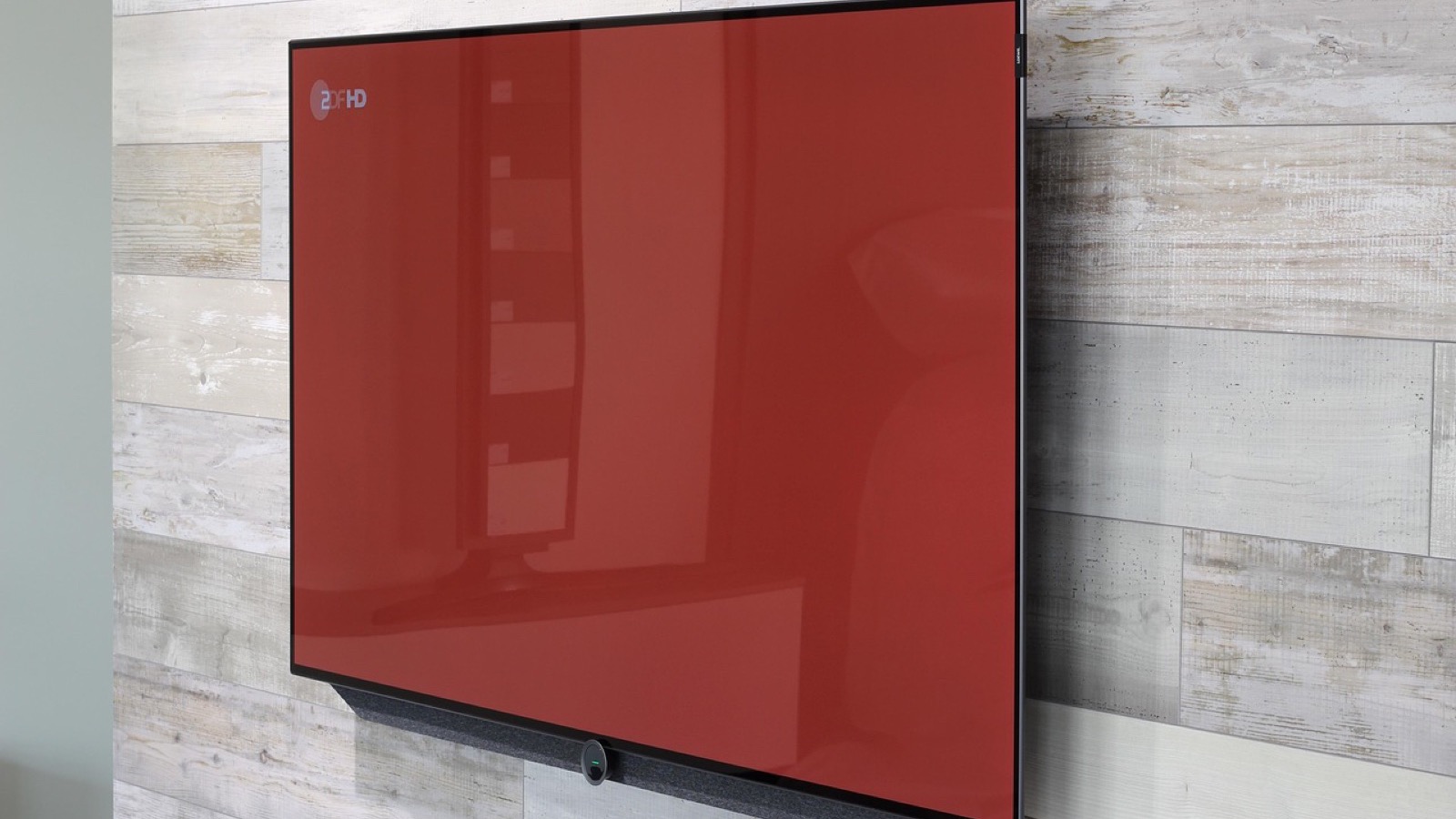
A soundbar that is plugged in but silent is almost always a settings problem, not a hardware one. The TV keeps playing through its own speakers until you tell it otherwise, and the bar ignores the TV until it is set to the right input. This guide covers the connection itself, the TV settings that matter, and what to check when nothing comes out.
Table of Contents
Pick the right port before you plug anything in
Look at the back of your TV. One HDMI input, sometimes more, is labeled ARC or eARC. That port carries audio from the TV to the soundbar over the same cable, and it is the one you want. On many sets, only the labeled port supports this, so a bar plugged into a plain HDMI input will stay quiet.
The soundbar has a matching output, also labeled ARC or eARC. Use a high-speed HDMI cable and connect the two labeled ports. If you want eARC, which handles higher-quality audio formats, the TV and the bar both need to support it. Plain ARC works fine for everyday TV, streaming and games.
If your TV has no ARC port, or the bar only has an optical input, use a digital optical cable instead. It carries less audio data, but it needs no handshake between the devices and is the easiest cable to troubleshoot.
Connect the soundbar over HDMI ARC
- Turn off the TV and the soundbar.
- Plug one end of the HDMI cable into the TV port labeled ARC or eARC.
- Plug the other end into the soundbar's HDMI output marked ARC or eARC.
- Power on both devices and set the soundbar to its HDMI ARC or TV input. On some Samsung bars, selecting the digital input (D.IN) makes the source switch to TV ARC on its own after a couple of seconds.
- Turn on HDMI-CEC in the TV settings. Every brand names it differently: Samsung calls it Anynet+, and Sony calls it BRAVIA Sync.
- Open the TV's sound output setting and switch it from TV speakers to the soundbar. Samsung lists the bar as Receiver (HDMI) under Sound Output. Sony calls the option Audio System.
Step 5 matters more than it looks. CEC is what lets the TV remote control the soundbar's volume and power, and on some TVs the ARC feature stays off while CEC is off. If you want one remote for everything, this is the setting that makes it work.
Set the eARC and audio format options on a Samsung TV
Samsung TVs add two settings that catch people out. Turn on Anynet+ (HDMI-CEC) first, because Samsung says it has to be active before HDMI eARC Mode can be switched on. The menu path varies by model year. On 2017 and later sets, look under Settings, General, then External Device Manager.
The eARC mode is off by default, and eARC does not work until you turn it on. Set HDMI eARC Mode to Auto. Then check the Digital Output Audio Format in the sound settings and choose Auto or Pass-Through, so the TV hands the bar the audio it is built to decode.
What to check when there is no sound
Work through these in order. Each one takes under a minute.
- The bar's input. A bar left on Bluetooth stays silent when the TV is connected over HDMI or optical. Switch it to the matching source.
- The TV's output. Confirm the TV still is not set to its internal speakers. A cable alone does not move the sound.
- The port. Make sure the cable sits in the ARC or eARC port on both devices, not a neighboring input.
- CEC. Toggle HDMI-CEC off and back on, then power-cycle the TV and the bar.
- The cable. Reseat both ends, or swap in a different high-speed HDMI cable. Cables fail more often than people expect, and Samsung warns that unauthorized cables can cause an error in eARC mode.
- Firmware. Check the TV's system settings for pending software updates. An outdated TV may not talk to the bar properly.
Use optical as a fallback
If the HDMI route still fails, optical settles whether the fault lies in the ARC handshake or elsewhere. Connect the TV's optical out to the bar's optical in, then set the bar to its optical input. In the TV's audio settings, set Digital Audio Out to PCM, which is the safest format for a basic setup.
If sound arrives over optical, the soundbar and its speakers are fine, and the problem sits in the HDMI port, the cable or the CEC settings. You can keep using optical permanently. You lose remote-control sync on some models and the higher-quality eARC formats, but everyday dialogue and music sound the same.
Small adjustments that improve the sound
Place the bar directly below the screen, centered, and not tucked inside a closed cabinet, where the front speakers fire into the shelf above. If speech sounds muffled, look for a dialogue or voice mode on the bar or in its remote. If the bass is overpowering at night, switch off any bass boost or night-listening modes you enabled while testing. Finally, set the TV's own volume to a fixed high level and use only the bar's volume afterward, so the two controls do not fight each other.
Common questions
Do I need an eARC soundbar for good sound? No. Regular ARC handles stereo and standard surround formats well. eARC matters when you want higher-bitrate audio formats from a compatible TV and bar.
Why does the volume only change on the bar's display? The TV is probably still outputting through its own speakers at the same time. Set the sound output to the receiver and the on-screen volume will track the bar.
Can I use both optical and HDMI? You only need one. Pick the one that works, and set the bar's input to match it.
Featured image: Vision24 on Pixabay
