

Surface Laptop 8 for Business vs. Laptop 7: New Privacy Screen, Faster SSD

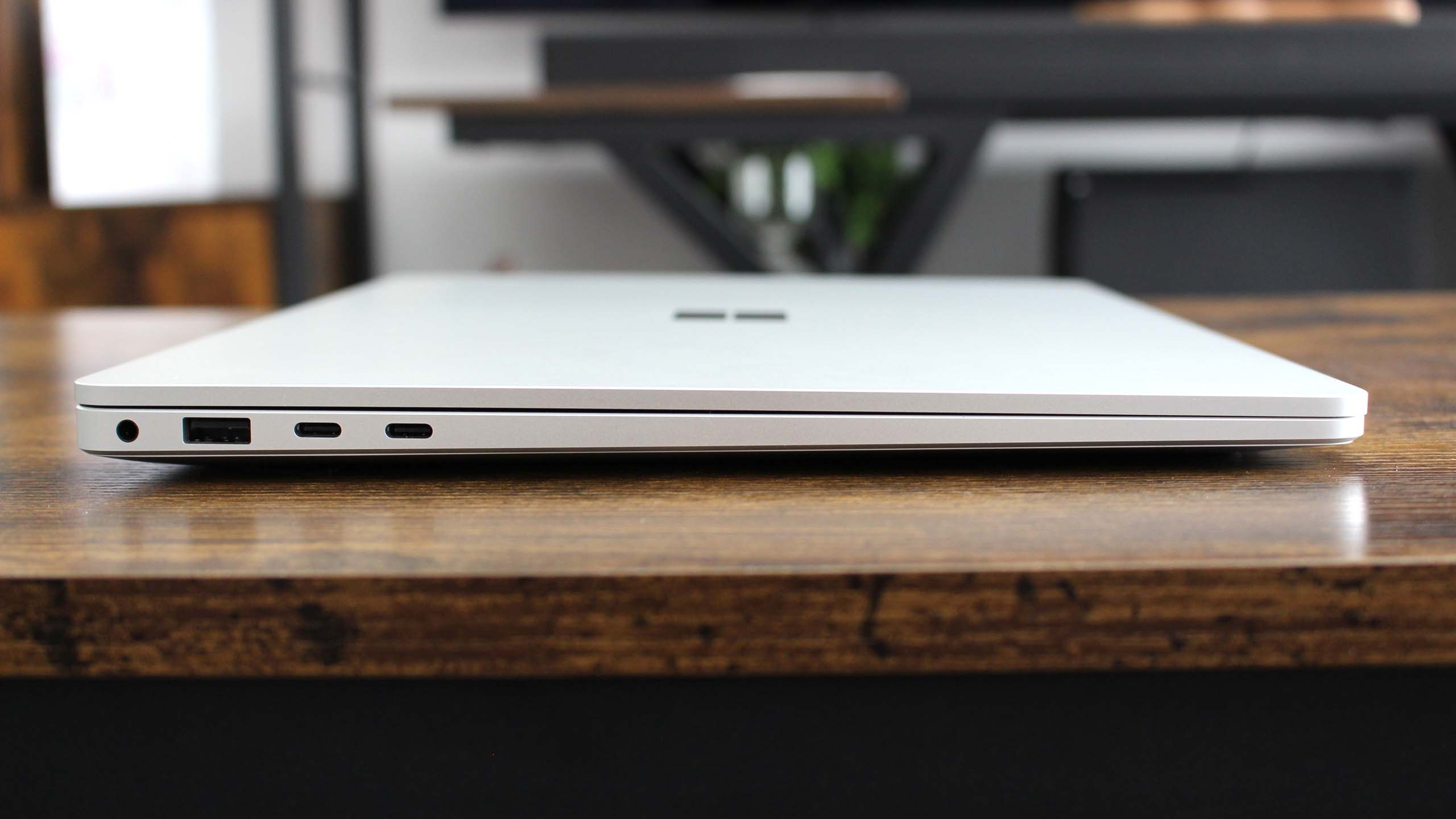
The Surface Laptop 8 for Business offers incremental upgrades over the 7th Edition, primarily for enterprise users with its new privacy screen and faster SSD, while the Surface Laptop 7 for Business remains a strong value, especially with its Snapdragon chips.
Table of Contents
Surface Laptop 8 for Business vs. Surface Laptop 7 for Business: Key Differences
The new Surface Laptop 8 for Business introduces an optional 13.8-inch privacy screen, a higher-resolution 15-inch display, and a faster SSD. It also features newer Intel Core Ultra Series 3 chips. These additions position it as an evolution of the Surface Laptop 7 and Surface Laptop 7 for Business models.
Arriving first with Intel’s latest Panther Lake Core Ultra Series 3 processors, the Surface Laptop 8 for Business models offer several improvements. While these upgrades distinguish it from the 7th generation, the focus remains on business functionalities rather than broad consumer appeal.
Display and Design Upgrades
The most significant changes in the Surface Laptop 8 are its display options. The 13.8-inch model now includes an optional integrated privacy screen, which features an anti-glare finish. This feature enhances security for users working in public spaces.
The 15-inch Surface Laptop 8 display has seen more substantial upgrades. It now boasts a higher resolution of 3270×2180, compared to the previous generation’s 2496×1664. Despite minor weight increases, such as 29 grams over the Snapdragon-equipped Surface Laptop 7, the iconic design remains largely unchanged.
Performance: Intel Core Ultra vs. Snapdragon
Editor-in-Chief Daniel Rubino tested the 13.8-inch Surface Laptop 8 with an Intel Core Ultra X7 368H processor. This chip performed better than the Snapdragon X Elite (X1E-80) in Geekbench 6 tests, showcasing strong multi-threaded power.
However, in Cinebench testing, the Intel chip fell slightly behind the Snapdragon X Elite (X1E-80) found in the Surface Laptop 7. The Surface Laptop 8 does offer a significantly faster SSD, reportedly twice the speed of the Surface Laptop 7, which contributes to a more responsive feel when working with large files.
Pricing and Value Considerations
The 13.8-inch Surface Laptop 7 for Business with Snapdragon X chips starts at a more accessible $1,449.99. For those seeking an Intel-based Surface Laptop 7 for Business, the 13.8-inch model began at $1,699.99, with the 15-inch version starting at $1,899.99.
The new Surface Laptop 8 for Business starts at $1,949.99 for the 13.8-inch model, representing a $500 increase over the previous generation’s starting price. This higher cost, attributed partly to RAM and storage supply issues, suggests a focus on enterprise clients with larger budgets.
Who is the Surface Laptop 8 for Business For?
For general consumers, the Surface Laptop 8 for Business is likely not the ideal choice. It’s recommended to explore other options or await the second wave of 2026 Surface PCs featuring Snapdragon X2 chips, expected later this summer.
The Surface Laptop 8 for Business is a specialized device tailored for enterprise environments. Its advanced features and higher price point cater specifically to business needs, making it less suitable for mainstream users seeking a general-purpose PC.
| Feature | Surface Laptop 8 for Business | Surface Laptop 7 for Business (Snapdragon) | Surface Laptop 7 for Business (Intel) |
|---|---|---|---|
| Display Size | 13.8-inch, 15-inch | 13.8-inch | 13.8-inch, 15-inch |
| Processor | Intel Core Ultra Series 3 | Snapdragon X Elite/Plus | Intel Core Ultra (Series 2) |
| Privacy Screen Option | Yes (13.8-inch) | No | No |
| 15-inch Display Resolution | 3270×2180 (262 PPI) | 2496×1664 (201 PPI) | 2496×1664 (201 PPI) |
| SSD Speed | Faster (approx. 2x) | Standard | Standard |
| Starting Price (13.8-inch) | $1,949.99 | $1,449.99 | $1,699.99 |
Frequently Asked Questions
What are the key new features of the Surface Laptop 8 for Business?
The Surface Laptop 8 for Business adds an optional 13.8-inch privacy screen, a higher-resolution 15-inch display, and faster SSD storage. It also integrates newer Intel Core Ultra Series 3 chips for improved performance.
Is the Surface Laptop 8 for Business a significant upgrade over the Surface Laptop 7?
While the Surface Laptop 8 for Business offers key upgrades like a privacy screen and faster storage, it’s more of an evolution for business users. Consumers might find the Surface Laptop 7 for Business, particularly with its Snapdragon chips, a better value.
Which model offers better battery life?
The Surface Laptop 7 with Snapdragon chips generally offers superior battery life. The 13.8-inch model claims up to 23 hours of local video playback, whereas the 13.8-inch Surface Laptop 8 with its Intel chip achieved around 8 hours in real-world testing.
Should consumers wait for other Surface models?
Yes, for general consumers, it is recommended to wait for upcoming Surface PCs expected later in 2026 that will feature Snapdragon X2 chips. These are anticipated to offer better efficiency and potentially a more mainstream appeal.
Buy the Surface Laptop 8 for Business if: You require an integrated privacy screen for secure work in public spaces and need the absolute latest Intel processing power for specific business applications, and budget is not a primary concern.
Buy the Surface Laptop 7 for Business if: You are looking for strong performance and excellent battery life from Snapdragon X chips at a more accessible price point, or if you prefer the value proposition of the previous generation for general business use.
