

MoCA Adapters: How to Set Up Your Network Using Coax for $60-$100

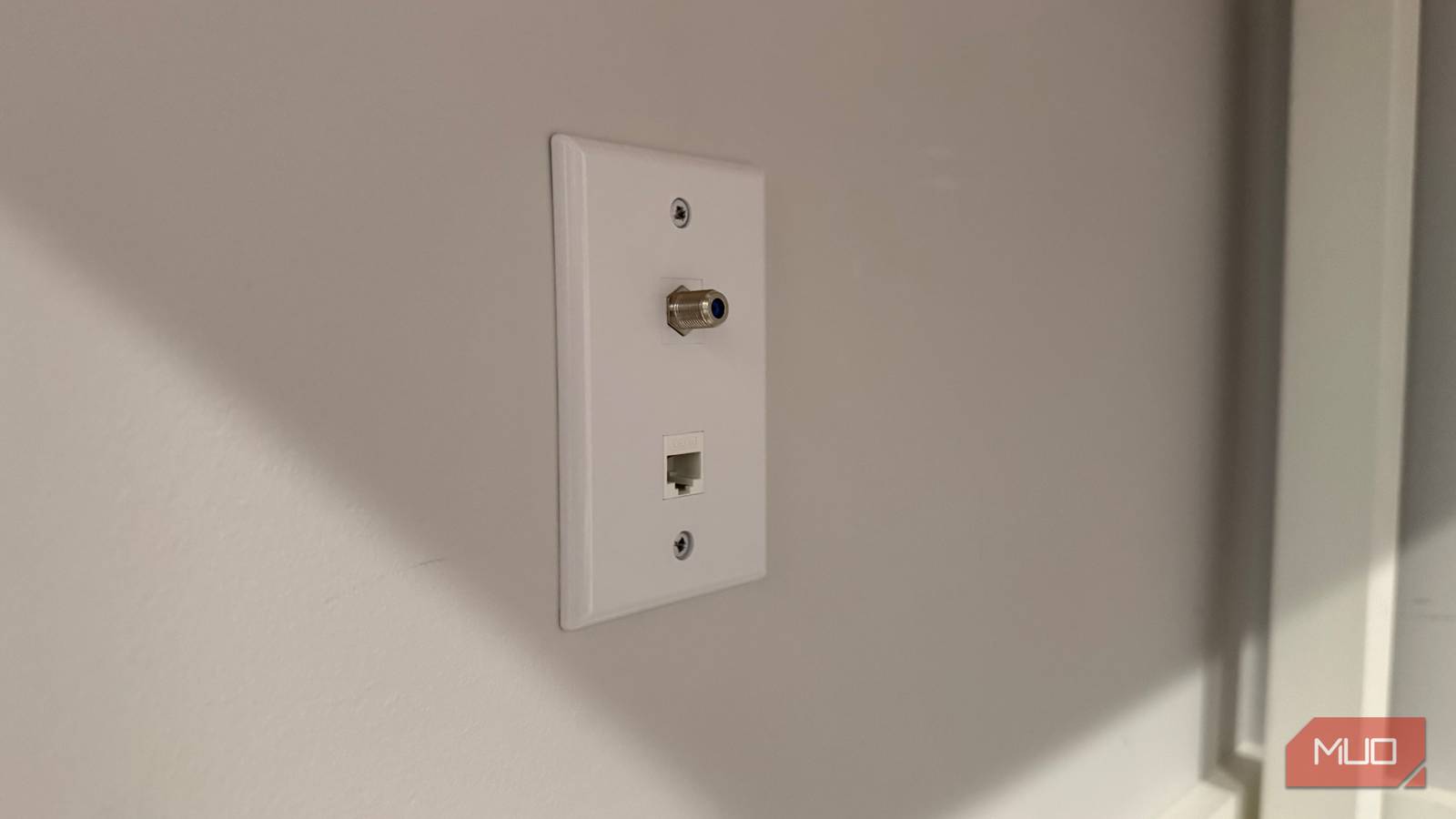
You can create a wired network connection using your existing coaxial cable by using MoCA adapters. MoCA is a networking technology that is available on many devices and systems. You do not need a specific app version to use MoCA.
Table of Contents
What MoCA Is and How It Works
MoCA is short for Multimedia over Coax Alliance, the industry group that developed the networking specification. This technology allows you to send an Ethernet signal through the same coaxial cables that were once used for cable television connections.
MoCA works by transmitting data over coaxial cable, which is common in most homes for cable TV or fiber optic services. However, it is important to note that MoCA will not function with satellite TV setups. Services like DirecTV utilize the coaxial frequency band in a way that conflicts with MoCA’s operation.
Essentially, MoCA repurposes the coaxial wiring already present in your walls to create a high-speed wired network. This eliminates the need to run new Ethernet cables or rely on less consistent powerline connections.
How to Set Up MoCA
To set up a MoCA network, you will need to purchase MoCA adapters. These adapters are sold in pairs, as you require one unit at each end of the connection. A starter kit typically costs between $60 and $100, depending on the brand and model.
Once you have your adapters, connect one device to your router using an Ethernet cable and to the nearest coaxial outlet.
The second adapter connects to the device you want to network, such as a TV, game console, or desktop computer, via an Ethernet cable. This device then plugs into the coaxial jack in its location.
Setting up most MoCA kits is a simple process. After everything is connected, the adapters usually establish a connection with a single button press, similar to how Wi-Fi Protected Setup (WPS) pairs devices. This ease of use makes it a convenient solution for extending your wired network.
MoCA Performance and Limitations
A MoCA 2.5 kit offers impressive performance, with speeds that can reach up to 2.5 Gbps. It also maintains low latency, typically around 3 milliseconds. This speed and responsiveness are more than adequate for streaming 4K content and for competitive online gaming.
A single coaxial network can support a maximum of 16 MoCA adapters. Therefore, a standard two-pack is just the beginning if you need to connect multiple devices or rooms. This scalability allows you to expand your wired network throughout your home as needed.
While MoCA provides a robust wired connection, traditional Ethernet still offers superior raw performance. For homes that are already wired with Ethernet, that remains the ideal solution. However, for finished houses where running new cables is impractical, MoCA presents a significant advantage.
MoCA operates on frequencies between 1125 and 1675 MHz. It is crucial that any coaxial splitters in your signal path are rated to handle this band. If you have older splitters, you may need to replace them with MoCA-rated versions to ensure optimal performance and compatibility.
Important Considerations Before Installing MoCA
Before purchasing and installing MoCA adapters, it is essential to check your existing coaxial cable setup. Any splitters used in the signal path must be compatible with the MoCA frequency band, which typically ranges from 1125 to 1675 MHz.
Older TV splitters might not support these frequencies and may need to be replaced with MoCA-rated ones.
You should also ensure that a point-of-entry filter is installed where the coaxial cable enters your house. This filter is critical because it prevents your MoCA network signal from leaking out onto the shared cable line. This safeguards your network’s speed and enhances your privacy by keeping your internal network traffic contained.
MoCA technology works with most cable and fiber coax setups. However, it is incompatible with satellite TV services because they use the coaxial frequency band differently. Additionally, newer construction homes might not have coaxial wiring. Many builders now opt for Ethernet or no in-wall wiring, meaning the necessary jacks may simply not exist.
Frequently Asked Questions
Can I use MoCA if I have satellite TV?
No, MoCA technology will not work with satellite TV setups like DirecTV. Satellite services use the coaxial cable frequency band in a way that conflicts with how MoCA operates, making them incompatible.
How many MoCA adapters can I connect?
A single coaxial network can accommodate up to 16 MoCA adapters. This allows for significant expansion of your wired network capabilities throughout your home.
Do I need to run new Ethernet cables?
No, the primary benefit of MoCA is that it uses your existing coaxial cable wiring, eliminating the need to run new Ethernet cables through walls.
What is the speed of MoCA 2.5?
A MoCA 2.5 kit can achieve speeds of up to 2.5 Gbps with latency around 3 milliseconds, which is suitable for 4K streaming and online gaming.
What should I do if my MoCA network isn’t working?
If your MoCA network is not functioning correctly, the usual cause is an incompatible splitter or a missing point-of-entry filter. Ensure all splitters are MoCA-rated and that a filter is installed where the coax enters your home.
