


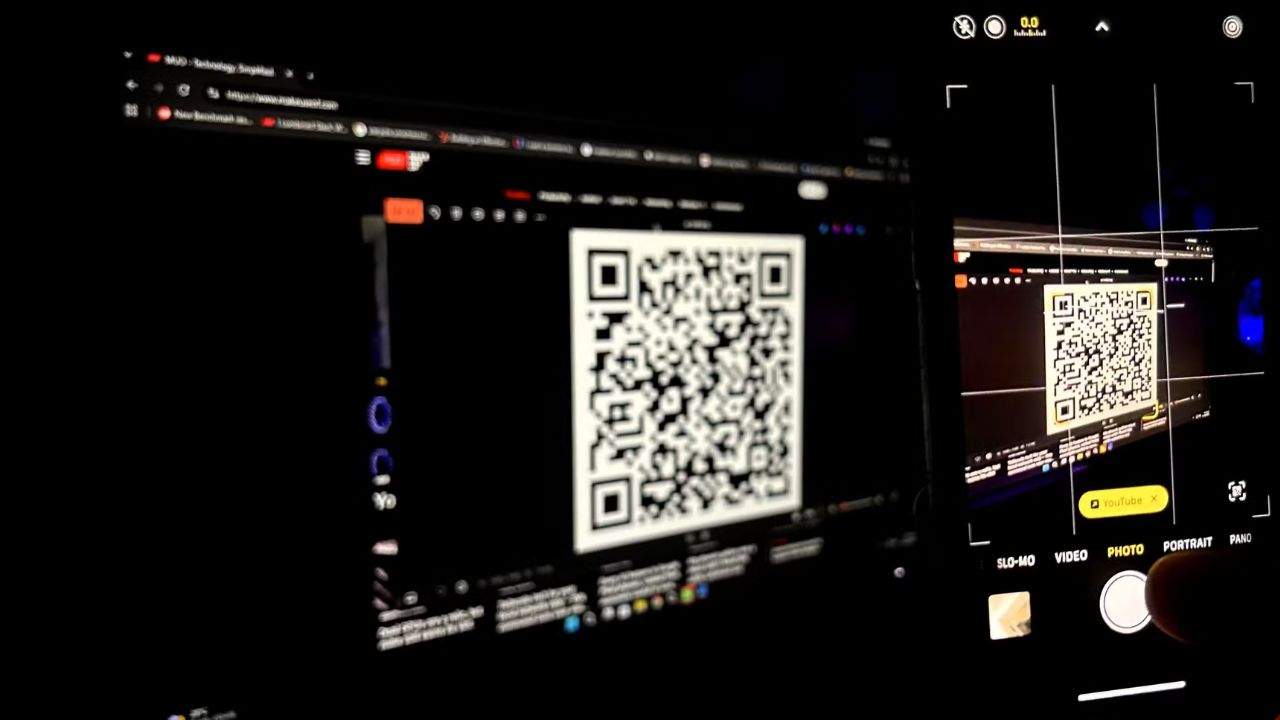
You can protect yourself from QR code scams by quickly checking the QR code’s destination before scanning. This process takes about ten seconds. For full protection, ensure your phone’s operating system is updated.
Table of Contents
How Scammers Use QR Codes to Steal Your Information
Scammers hide malicious links within QR codes to trick you into revealing personal information. A fraudulent QR code can redirect you to a fake website designed to look identical to a legitimate one. They rely on your habit of scanning codes without thinking.
These scams, known as “quishing,” are becoming more prevalent. A significant portion of Americans scan QR codes without verifying their destination. Criminals exploit this by creating codes that appear to lead to helpful sites but instead direct you to phishing pages.
The goal is to prompt you to enter sensitive data, such as login credentials or financial details, onto these deceptive sites. Sometimes, a QR code might even install malware on your device without your knowledge.
You might encounter these malicious codes in various places, including parking meters, restaurant menus, or even sent via text or email. Scammers may claim you need to reschedule a delivery, confirm account information, or address suspicious activity to create a sense of urgency.
How to Identify and Avoid QR Code Scams
Taking just ten seconds to examine a QR code before scanning can prevent you from becoming a victim. It is estimated that 73% of Americans scan QR codes without checking their purpose. Quishing attacks have surged by 146%, with 18.7 million detections by March 2026.
Scammers employ spoofing techniques to make their phishing sites closely resemble legitimate ones. This can involve minor alterations like replacing an ‘l’ with a lowercase ‘L’ or adding terms like “login” to a domain name. Always inspect the URL for any discrepancies.
Be wary of QR codes found in unexpected locations, such as on utility poles. If you receive a QR code via email or text, especially with an urgent request, do not scan it. Instead, use a verified contact method for the company or service to confirm the legitimacy of the request.
When making payments, open your banking app directly rather than scanning a QR code. This ensures you are interacting with the official application and not a fraudulent site designed to capture your financial data.
Limitations of Current Security Measures Against QR Code Scams
Even multi-factor authentication (MFA) or two-factor authentication (2FA) may not fully protect you. Scammers can use real-time proxy techniques to recreate authentication code windows, allowing them to log into your accounts in the background while you are authenticating.
A more robust solution is using a hardware security key. This device validates your login attempts and will reject any request if the domain does not match its stored data, effectively blocking access to convincing look-alike scam websites.
Protecting your phone and accounts is crucial. Regularly update your phone’s operating system to patch vulnerabilities that hackers could exploit. Secure your online accounts with strong, unique passwords and enable MFA where possible.
The QR code itself is a simple data-holding technology, but the content it links to is where the risk lies. Modern phishing scams are highly sophisticated, making it difficult to distinguish between legitimate and malicious links.
Protecting Your Digital Information
When interacting with QR codes, always inspect the URL for any misspellings or altered characters before proceeding. Legitimate businesses will typically use clear and recognizable domain names for their links.
If a QR code appears in an unsolicited email or text message, exercise extreme caution. Scammers often use these messages to create a false sense of urgency, compelling you to scan the code without critical evaluation.
For added security, consider using a password manager. These tools can prevent your saved credentials from being auto-filled on fraudulent websites, acting as an additional layer of defense against phishing attempts.
While standard security measures are important, they may not always be sufficient. The evolving tactics of scammers necessitate a proactive approach to digital security for all users.
Frequently Asked Questions
What is “quishing”?
Quishing is a phishing attack that uses QR codes to trick individuals into visiting malicious websites or divulging sensitive information. Scammers embed harmful links within QR codes to exploit user trust.
Are QR codes inherently unsafe?
QR codes themselves are not unsafe; they are simply a way to store data that can be quickly scanned. The risk comes from the links or content that the QR code directs you to, which can be malicious.
How can I avoid falling for a QR code scam?
You can avoid these scams by inspecting the QR code’s destination URL before scanning, being cautious of codes in unexpected places or unsolicited messages, and by always verifying the source of the QR code through official channels.
What is the best way to secure my accounts against QR code scams?
Using a hardware security key is highly recommended, as it validates login domains and prevents access to fraudulent sites. Additionally, keeping your phone’s operating system updated and using strong, unique passwords for all accounts provides essential protection.
Can a QR code install malware on my phone?
Yes, a malicious QR code can potentially redirect you to a website that installs malware on your device. This malware can then steal your information or compromise your device’s security without your knowledge.
