


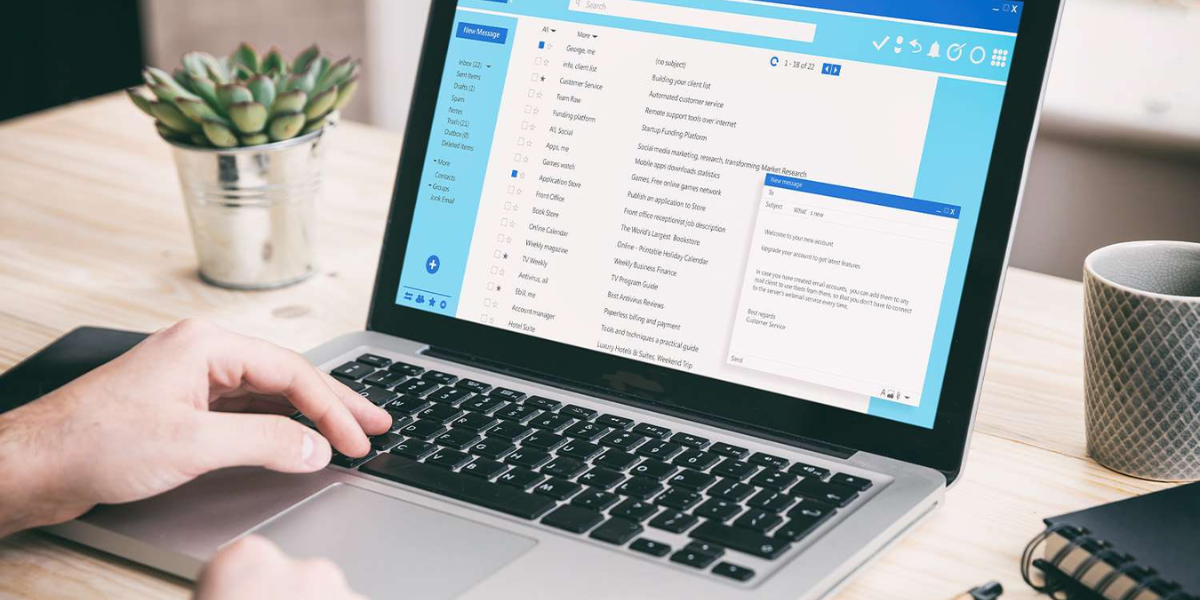
Managing a chaotic inbox in 2026 doesn’t require a pricey subscription. There are five free Mac email clients that now rival paid options — Mailbird Free, Thunderbird, Spark, Microsoft Outlook for Mac, and Apple Mail — each with concrete strengths in AI sorting, unified inboxes, and cross-account performance. Here’s what each one actually delivers at $0.
Table of Contents
Mailbird Free (Mac): The Modern Unified Inbox Challenger
Mailbird Free (Mac) offers a modern UI and unified inbox that consolidates multiple accounts into a single, streamlined view. It supports Gmail, Outlook, and iCloud accounts without the performance lag that plagues many free multi-account setups.
Built-in app integrations let you manage email alongside productivity tools without leaving the app. The unified mailbox pulls messages from all connected accounts into one feed, eliminating the need to toggle between separate inboxes entirely.
This client suits anyone who juggles personal and professional accounts and wants a single, clutter-free view. If you’ve been switching between tabs for Gmail and iCloud, Mailbird Free removes that friction.
Thunderbird: Power-User Control Without the Cost
Thunderbird remains a top open-source option in 2026, favored by power users for its deep customization and privacy controls. Community-driven updates keep the platform current, and its add-on ecosystem lets you tailor nearly every aspect of your email workflow.
The add-on library allows granular control over filtering, tagging, and layout — features that rival paid competitors. Its open-source foundation means no telemetry or data harvesting, a key draw for privacy-conscious users. Advanced message filters can automatically sort, archive, or flag incoming mail based on rules you define.
Thunderbird is the pick for developers, sysadmins, and anyone who prefers owning their data rather than handing it to a subscription service.
Spark: AI-Powered Smart Inbox Sorting for Productivity
Spark stands out for its AI-driven smart inbox sorting and collaborative email features, making it ideal for productivity-focused users. The free tier automatically categorizes incoming messages into personal, notifications, and newsletters — surfacing what matters most.
Spark’s machine learning prioritizes important emails and pushes low-value clutter out of sight. Users report significantly less time spent triaging messages as the AI learns from behavior over time. This approach mirrors what paid tiers of competing apps offer, without the monthly fee.
Beyond sorting, Spark supports shared drafts and comments on emails — features that integrate with Slack and Trello. For teams managing projects through email, these collaborative tools add genuine workflow value at no cost.
Spark is the best free option if AI-powered priority sorting is your top requirement.
Microsoft Outlook for Mac: Business-Ready Free Organization
Microsoft Outlook for Mac remains a strong contender in 2026, particularly for business users who need calendar integration and professional-grade organization. The free version provides core email, calendar, and contact management — no Microsoft 365 subscription required.
Outlook’s native calendar sync lets you schedule meetings, set reminders, and manage tasks directly within the email interface. For professionals already embedded in the Microsoft ecosystem, this integration eliminates the need for a separate calendar app entirely.
The free Mac version holds its ground for everyday professional use. You get full calendar functionality, focused inbox sorting, and cross-device sync — the features most people rely on daily.
Apple Mail: The Default with Deep macOS Integration
Apple Mail remains a top free email client for Mac users due to its seamless macOS integration. It syncs effortlessly with iCloud, supports all major email providers, and requires zero setup for anyone already in the Apple ecosystem.
Apple Mail leverages system-level features like Handoff, Spotlight search, and Siri suggestions to create a frictionless experience. Smart Mailboxes automatically organize messages by criteria you set, and iCloud sync keeps everything consistent across iPhone, iPad, and Mac.
Where Apple Mail falls short is cross-platform flexibility and advanced filtering. Users managing non-Apple devices or needing granular rule-based sorting may find its feature set limiting compared to Thunderbird or Spark. Third-party plugins can bridge some gaps, but the experience isn’t as native.
Free vs. Paid: Why the Gap Has Narrowed
Users in 2026 increasingly prioritize AI drafting, smart inbox sorting, and workflow integration — and free options now deliver all three. The gap between free and paid tiers has narrowed significantly, with open-source projects and ad-supported models funding development without passing costs to users.
Multi-account management, once a premium feature, is now standard across free clients. Privacy controls that required paid subscriptions two years ago ship built into Thunderbird and Apple Mail at no charge. For most users, a $0 budget no longer means a compromised inbox experience.
Frequently Asked Questions
Which free Mac email client handles multiple accounts best without slowing down?
Mailbird Free (Mac) is designed specifically for unified multi-account management, consolidating Gmail, Outlook, and iCloud into a single inbox with minimal performance overhead. Spark also handles multiple accounts well, with the added benefit of AI-driven sorting to keep the unified view organized.
How do free clients compare to paid options for privacy and organization?
Free clients like Thunderbird match or exceed the privacy standards of paid options — thanks to open-source codebases and zero telemetry. Apple Mail also ranks highly for security-minded users. Where paid options still lead is in advanced encryption features and dedicated support contacts.
Do free email apps offer AI-powered inbox sorting?
Yes. Spark’s free tier includes AI-driven smart inbox sorting that automatically categorizes messages and surfaces priority emails. Outlook’s free Mac version offers a Focused Inbox that separates important mail from the rest.
These capabilities were exclusive to paid plans just a few years ago.
Which free Mac email client integrates best with calendars and task management tools?
Microsoft Outlook for Mac leads in calendar and task integration, offering native scheduling, reminders, and contact management within the free version. For users outside the Microsoft ecosystem, Spark’s integrations with Slack and Trello provide strong workflow connectivity.
Is there one client that combines smart sorting, privacy, and cross-platform sync for free?
No single free client excels equally at all three. Spark leads in smart sorting, Thunderbird in privacy, and Apple Mail in cross-platform sync within the Apple ecosystem. Your best choice depends on which of those priorities matters most to your daily workflow.
